
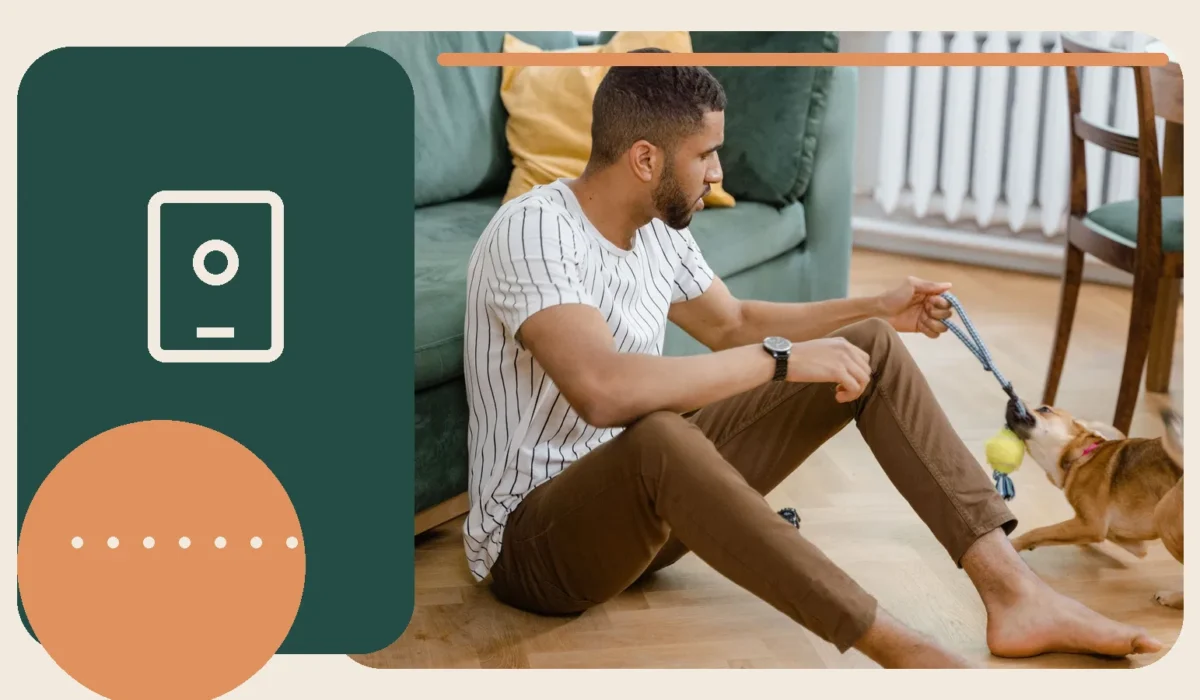
Connected pet cameras can help owners observe behavior, but they also create an internet-connected view into the home.
Secure the account
Use a unique password, enable multi-factor authentication when offered, keep the app and firmware updated, and review every person with account access.
Choose the viewing angle carefully
Aim the camera at the pet’s normal area rather than bedrooms, bathrooms, work documents, doors showing security codes, or neighboring property. Inform household members and visitors.
Understand recordings and subscriptions
Check whether video is stored locally or in the cloud, how long clips remain available, and which alerts require a paid plan. Review the provider’s current privacy terms.
Behavior limitations
Remote audio can confuse or excite some pets. Introduce the feature while home. A camera can document separation-related distress, but it cannot treat it or replace a caregiver during extended absence.
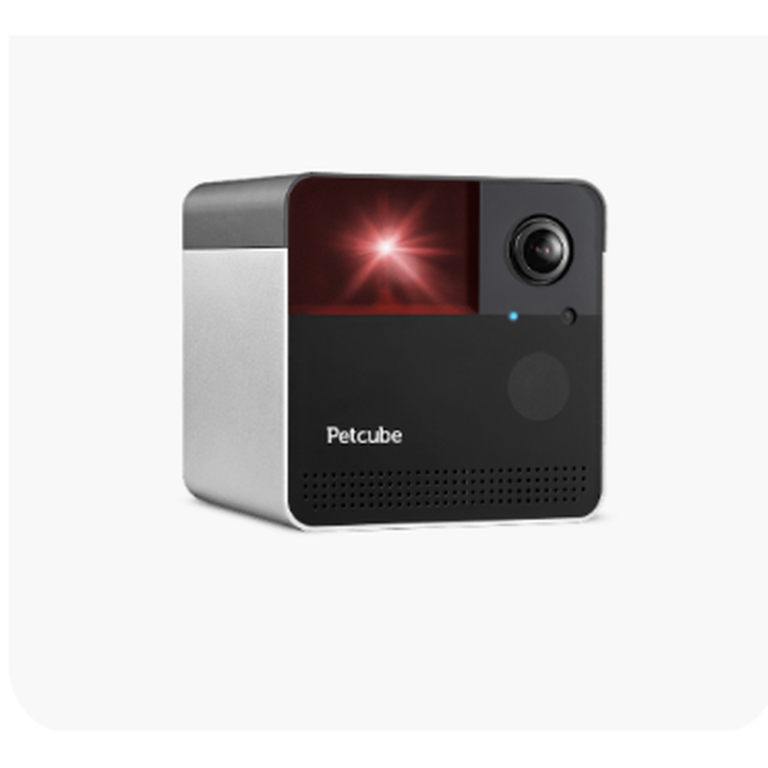
Petcube Play 2
Play 2 is the Petcube camera for interactive laser play, combining a 160° 1080p view with app-controlled or scheduled laser…
Best for: Cats and laser-motivated dogs whose owners want remote visual interaction rather than treat dispensing.
Read the review →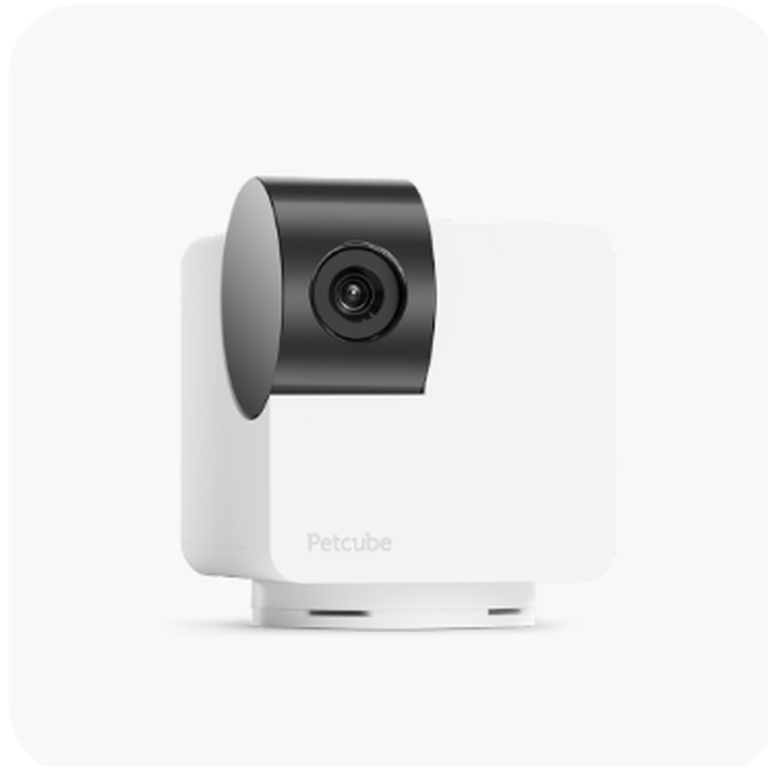
Petcube Cam 360
Cam 360 adds remote rotation and a physical closed-lens privacy position to Petcube’s basic camera formula, making it better suited…
Best for: Pet owners who want to remotely scan most of one room instead of relying on a fixed camera angle.
Read the review →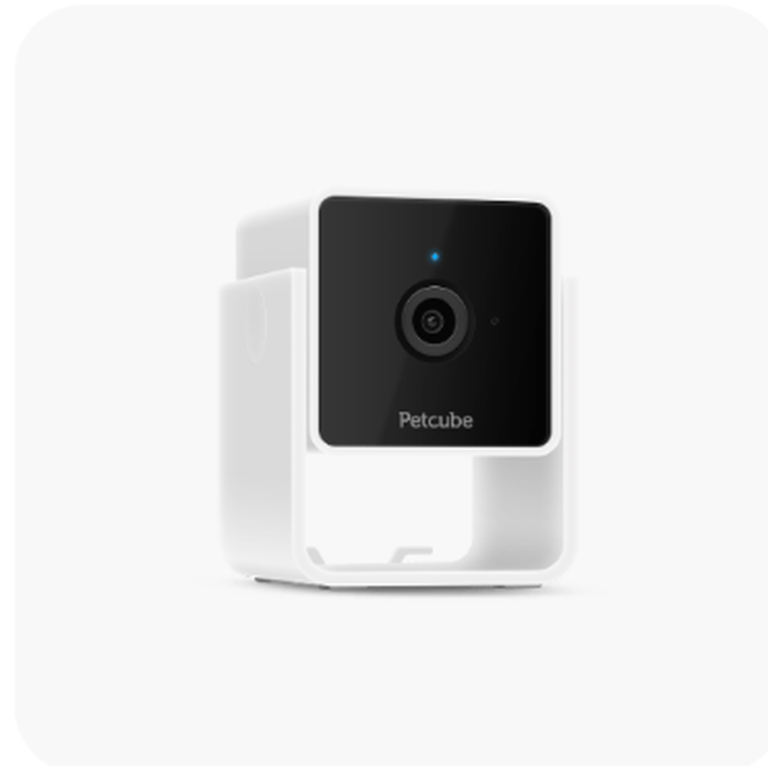
Petcube Cam
A research-based look at Petcube’s compact entry camera: what the 1080p feed, two-way audio, night vision and optional Care plan…
Best for: Pet owners who want an inexpensive fixed pet camera for one important room and do not need mechanical pan/tilt.
Read the review →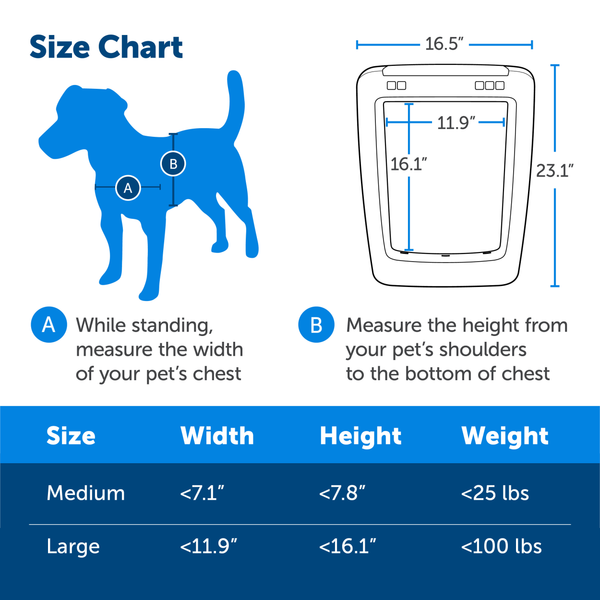
PetSafe SmartDoor Connected Pet Door
SmartDoor Connected is compelling when access control matters: the owner can schedule and authorize individual pets instead of leaving a…
Best for: Homeowners who can permanently install a pet door and want controlled, scheduled access for approved pets rather than an always-open flap
Read the review →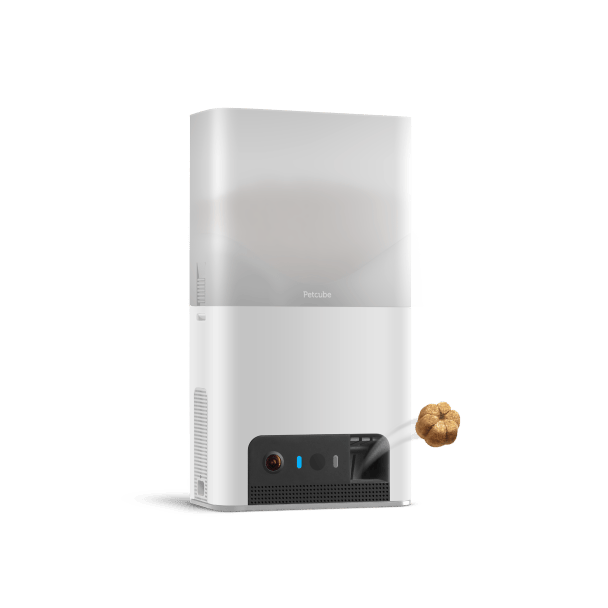
Petcube Bites 2 Lite
Bites 2 Lite makes sense when the treat launcher is genuinely part of the use case. As a camera it…
Best for: Pet owners who want live room monitoring plus remote treat dispensing and already have reliable 2.4 GHz Wi-Fi in the pet’s main room
Read the review →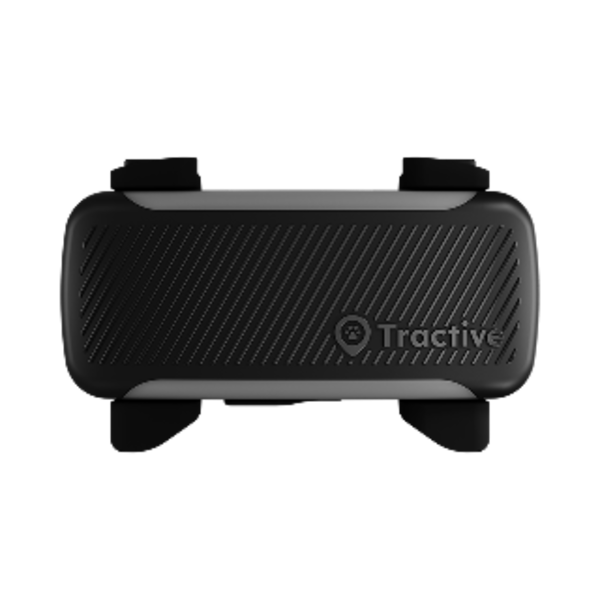
Tractive DOG 6 GPS Tracker
Tractive DOG 6 is a focused safety tracker rather than a Bluetooth tag: it uses GPS plus cellular service for…
Best for: Dogs 4 kg / 8.8 lb and up whose owners prioritize live cellular GPS, escape alerts, location history, and health/activity trends
Read the review →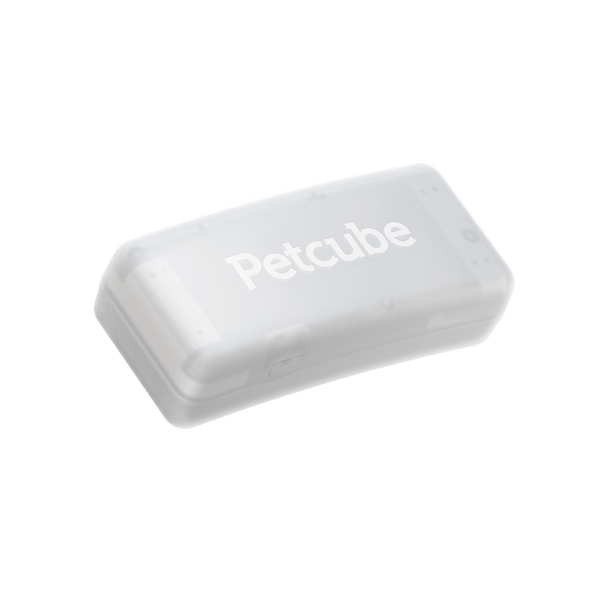
Petcube GPS Tracker
Petcube’s GPS Tracker is small, straightforward, and competitively positioned for owners who want cellular location tracking without buying an integrated…
Best for: Dog owners wanting a compact 29 g cellular tracker, especially households already comfortable with the Petcube app and ecosystem
Read the review →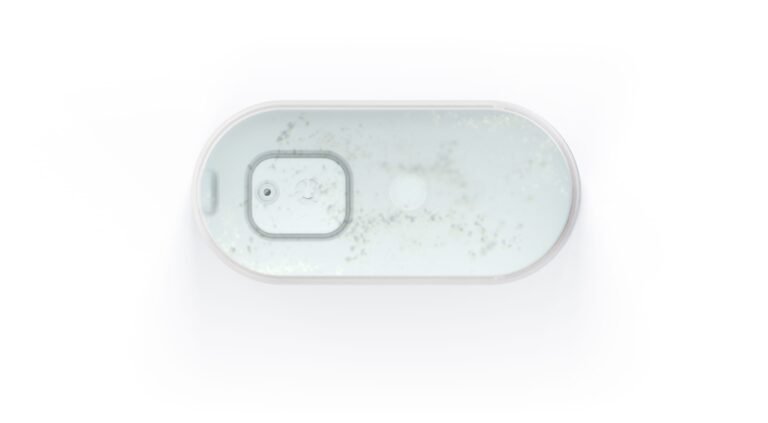
Petcube Fountain
Petcube Fountain gets the fundamentals mostly right: filtered moving water, a removable easy-care upper surface, and the ability to function…
Best for: Single-cat or small-pet homes that want a compact fountain that can keep working without a permanent Wi-Fi connection and can be placed away from an outlet for periods
Read the review →Questions readers ask
Where should a pet camera be placed?
Choose a useful pet area while avoiding bedrooms, sensitive documents, neighbouring windows and other private views.
How often should firmware be updated?
Install security updates promptly and enable automatic updates when the manufacturer supports them.
Should accounts share passwords?
No. Use a unique password and available multi-factor authentication.