
Petcube Cam
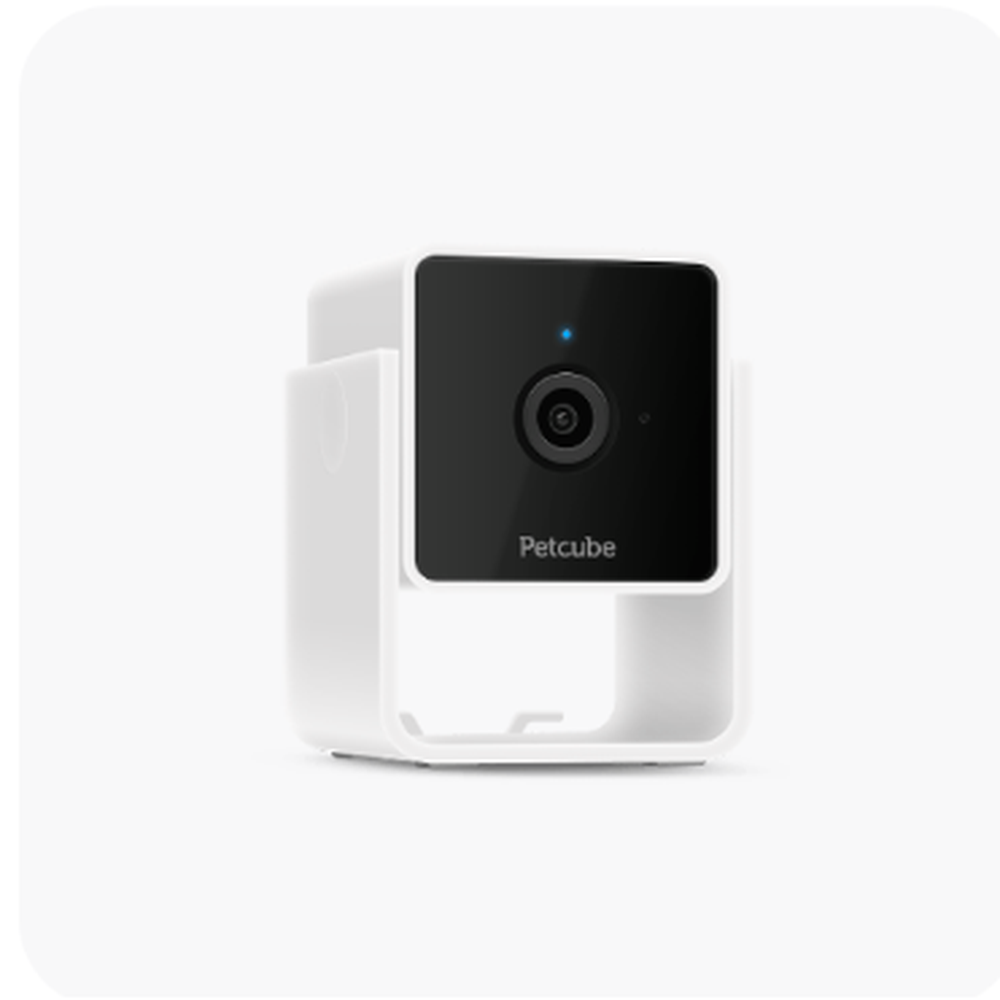
Petcube
Petcube Cam is the sensible low-cost entry point in the lineup: compact, 1080p, easy to place, and usable without a paid Care plan for live viewing. Its main compromise is simple—coverage is fixed, so placement matters more than with Cam 360.
What we like
- 1080p HD live video with 8x digital zoom
- 110° wide-angle view and night vision up to 30 ft
- Two-way full-duplex audio
- Compact body with flexible wall or ceiling mounting
- Live viewing works without a paid Petcube Care subscription
What to consider
- No mechanical pan or tilt
- 2.4 GHz Wi-Fi only
- Cloud history and smart alerts require optional Petcube Care
- Needs continuous power and internet access
Product snapshot
| Video | 1080p HD with 8x digital zoom |
|---|---|
| Lens | 110° wide-angle view |
| Night vision | Up to 30 ft |
| Audio | Two-way full-duplex sound |
| Connectivity | 2.4 GHz Wi-Fi |
| Mobile support | iOS 14+ and Android 7.1.2+ |
| Dimensions | 60.6 × 54 × 81.78 mm |
| Warranty | 1-year limited warranty |
The affordable way into the Petcube camera system
Petcube Cam is the smallest, simplest camera in the current Petcube lineup. Its job is straightforward: provide a 1080p live view of one room, let you hear and talk to your pet, and give you usable night vision without making you pay for a cloud plan just to open a live feed.
That simplicity is its strength. It is also the reason to be realistic about placement. Unlike Cam 360, the lens does not mechanically follow a pet around the room. A shelf or wall position that sees the sofa, crate, feeding station, or doorway your pet actually uses is more valuable than simply choosing the highest mounting point.
What the free experience includes
The camera itself provides live 1080p video, two-way audio and night vision. Petcube Care is optional rather than mandatory. The paid service matters when you want stored clips, smart alerts and a browser-accessible history, but owners who only want to check in live can use the hardware without adding a recurring camera fee.
Where Cam 360 is worth the step up
The standard Cam is a better value when the area you care about fits inside its 110-degree field of view. Cam 360 earns its premium when a pet moves between several parts of the same room, when you want to reposition the view remotely, or when closing the lens into a privacy position matters to you.
Multi-camera homes
Petcube sells two- and three-camera packs, and the app can manage multiple cameras under one account. That can be more useful than buying one expensive rotating camera when you actually need coverage in physically separate rooms. A living-room camera and a second unit near a crate or feeding area can provide more meaningful visibility than one device trying to see through walls.
Bottom line
Choose Petcube Cam when the goal is affordable live monitoring in a known area. Move to Cam 360 for remote rotation, Play 2 for interactive laser play, or Bites 2 Lite if treat tossing is part of the reason you are buying a camera at all.
Petcube Cam FAQs
Does Petcube Cam require a subscription?
No. Live viewing works without a paid plan. Petcube Care is optional and adds features such as stored video history and smart alerts.
Does Petcube Cam rotate?
No. The camera uses a fixed 110° wide-angle view, so careful placement is important.
Can several Petcube cameras use one account?
Yes. Petcube supports adding multiple cameras to the same account in the app.
Related reviews and buying guides
Research transparency
Research-based editorial review, fact-checked against current Petcube product and support pages. No hands-on testing claimed.
Last fact-check date: 2026-08-20
View the manufacturer research source
We do not claim hands-on testing unless the page identifies the tester, pet, test period, method, and original evidence.
Community experience